Build & Launch with Claude · course catalog
Learn to build a website that brings customers
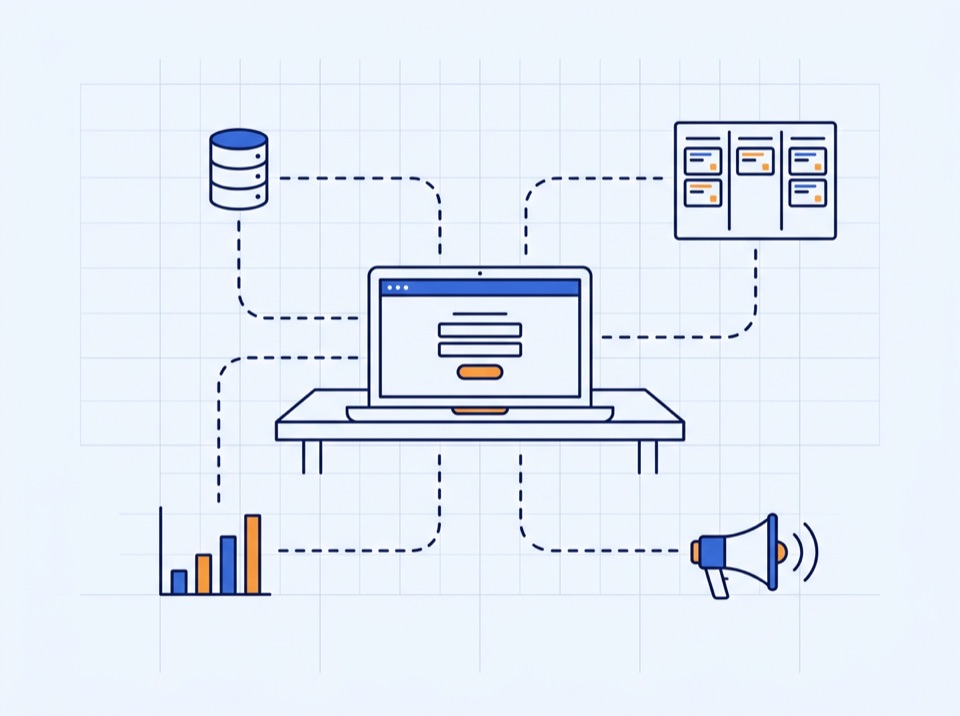
You work in the terminal and direct an AI coding agent; it writes the code. Lessons are shown with Claude Code, and the same steps work in Codex and Qwen Code. Course by course you build one real system on your own domain: a site, a lead form, your own CRM, analytics and ad tracking.
- 9 courses in 3 levels
- 61 lessons
- about 52 h of lessons
- about 28 h of homework
- no coding experience needed
- Claude Code · Codex · Qwen Code
- 2 bonus courses
Courses
Three levels, taken in order
Every course adds one working part to the same project. Each level ends with something that works on its own, so you can stop after any of them. Basic starts from zero. A student who already has a deployed site can enter Advanced from the lesson-3.9 checkpoint, and Professional from lesson-6.9, but they miss the Claude Code habits taught in section 1, which every later lesson uses.
Level 1 · sections 0–3Basic
A live website on your own domain, and the skill of directing Claude Code.
For anyone starting from zero.

Section 0
Start here: setup and first steps
The student has every tool installed, has had a first working session with Claude Code, and has a project folder under version control.
4 lessons · 2.5 hStart course →
Section 1
Working with Claude Code
The student can brief Claude well, keep it on track across sessions, check its work and recover when something breaks.
6 lessons · 4.2 hStart course →
Section 2
Planning the product
Four short documents in the repository — offer, site content, design direction and technical plan — that Claude will build from in every later section.
4 lessons · 3.4 hStart course →
Section 3
Frontend: the website
A fast, responsive, accessible marketing site live on the student's own domain.
9 lessons · 7.9 hStart course →MilestoneA live website on a real domain
Level 2 · sections 4–6Advanced
The site captures leads, you manage them in your own CRM, and every visit and conversion is measured.
For students who finished Basic or already have a deployed site.

Section 4
Backend: leads, data, notifications
A form submission on the live site is validated, protected from spam, stored in a database and announced to the owner by email and Telegram.
7 lessons · 5.9 hStart course →MilestoneThe site captures and stores leads and notifies the owner

Section 5
The CRM
A working admin application at
/adminwhere the owner sees every lead, moves it through a sales pipeline, keeps notes and follow-ups, and watches the numbers.7 lessons · 6.2 hStart course →MilestoneLeads are managed in a working CRM

Section 6
Analytics and measurement
Every visit, interaction and conversion is measured through Google Tag Manager, GA4 and Microsoft Clarity, with visitor consent respected, and every lead in the CRM carries the source that produced it.
9 lessons · 7.6 hStart course →MilestoneEvery visit and conversion is measured, with consent handled
Level 3 · sections 7–8Professional
Paid traffic with conversions tracked back to each lead, and a system you run week to week.
For students who finished Advanced and have a budget for ads.

Section 7
Advertising
Meta and Google Ads are connected to the site with reliable conversion tracking, one campaign runs on each platform, and the CRM shows which campaign produced each lead and reports qualified leads back to the platforms.
9 lessons · 8.5 hStart course →MilestonePaid traffic is running and each lead shows which ad produced it

Section 8
Optimise, automate, operate
The student runs the system as a routine: reads the data weekly, improves conversion with tests, uses Claude inside the CRM, and keeps the site healthy.
6 lessons · 6.2 hStart course →MilestoneThe whole system runs week to week and is defended in a capstone
Outside the levelsBonus
Optional courses outside the levels, open with any of them.
Take them whenever they fit: after Basic, or alongside the main route.

Bonus course
Bonus: the course with Codex
The student can follow the whole course with OpenAI's Codex coding agent instead of Claude Code: Codex is installed and signed in, reads the same project rules, asks before it changes files, and the student knows what to do in Codex at every point where a lesson relies on a Claude Code feature.
3 lessons · 2.8 hStart course →
Bonus course
Bonus: what else you can build
The student sees how far the same skills reach beyond the course website: they can scope a new project of their own, and have added to the site whichever of five mini-projects their business needs — test-mode payments, online booking, a site assistant, automations, an internal tool — and used Claude for the non-coding work of the business.
7 lessons · 6.2 hStart course →
How it works
One lesson, one topic, one result you can check
After a short explanation you follow the steps on your own project. The lesson's result is reached in the lesson; homework applies it to your own business.
4.3 The lead endpoint 55 min
- Goal
- The real form saves real leads.
- Prerequisites
- Checkpoint
lesson-4.2. - Covers
- The concepts explained, four or five per lesson.
- Do along
- What you build with Claude during the lesson, with the prompts used.
- Done when
- A submission on the live domain appears as a row in the database.
- Homework
- Independent tasks on your own business, after the lesson.
- You do, not only watchEach lesson shows the exact prompts given to Claude, so you can write your own for the next project.
- Homework is separateTwo to four independent tasks on your own business. Later lessons never depend on them.
- Build lessons end with a checkpointYou save your work as a git tag such as
lesson-4.3. The course repository has the same tags. - Start any lesson from the one beforeSkipped a lesson or broke something? Take the previous checkpoint from the course repository and continue.
Claude, Codex, Qwen
One course, three terminal agents
The course teaches a way of working: brief the agent, agree a plan, review what it changed, check the result, save with Git. Claude Code, Codex and Qwen Code all work this way in the terminal. Lessons are recorded with Claude Code; the commands below are what changes when you use another agent.
| In the lesson you… | Claude Code | Codex | Qwen Code |
|---|---|---|---|
| Start the agent in your project | claude | codex | qwen |
| Sign in | Claude subscription or API billing | ChatGPT plan or OpenAI API key | /auth, then connect a model provider |
| Keep the project rules | CLAUDE.md | AGENTS.md | QWEN.md or AGENTS.md |
| Plan before any file changes | Plan mode | /plan | /plan |
| Approve every edit yourself | Permission prompts | Read Only permissions | Default approval mode |
| Continue yesterday's session | claude --continue | codex resume | qwen --continue |
| Connect a browser or database | MCP servers | MCP servers | MCP servers |
One set of rules for every agent
Keep the rules in CLAUDE.md and add a short AGENTS.md that points to it. Codex and Qwen Code both read AGENTS.md, so all three agents follow the same rules.
What stays the same
The prompts, the checks, the Git checkpoints and the homework. A prompt that works as a clear brief for one agent is a clear brief for the others.
What to expect
The prompts were tested with Claude Code. Another agent may word its answers differently or ask for approval at other moments; check its work with the same "Done when" test. The bonus course walks through the switch step by step.
Before you start
What you need
About 52 hours of lessons and 28 hours of homework; 8 hours a week finishes the course in roughly ten weeks.
Knowledge and skills
- Confident everyday computer use: installing programs, managing files and folders, using a browser.
- No programming experience is needed; the terminal, Git and code concepts are taught from zero.
- Enough English to read tool interfaces and error messages.
- A business, client or idea to build the site for (a sample business is provided for those without one).
- Willingness to buy their own domain name by lesson 3.3. The course does not provide shared domains or subdomains; support helps with the purchase and the DNS setup.
Equipment
- A macOS or Windows computer on which the student may install software.
- A stable internet connection and a phone for testing the site on a real device.
Tools you will use
- Claude Code
- Next.js
- TypeScript
- Tailwind CSS
- Supabase
- Vercel
- Resend
- Telegram Bot API
- Cloudflare Turnstile
- GTM + GA4
- Meta + Google Ads
Accounts and money
| What | From lesson | Cost |
|---|---|---|
| Claude subscription or API billing that includes Claude Code | 0.2 | Paid |
| GitHub, Supabase, Google accounts | 0.2 | Free tiers |
| Vercel account | 0.2 | Free plan while learning; its terms limit it to non-commercial use, so a real business site needs a paid plan |
| Own domain name (required; each student buys their own, and we help choose, buy and connect it) | 3.3 | Paid, yearly |
| Cloudflare, Resend, Telegram accounts | 4.4–4.5 | Free tiers |
| Microsoft Clarity account | 6.6 | Free |
| Meta and Google Ads accounts with a payment method | 7.2–7.4 | Free to open |
| Advertising test budget | 7.5–7.6 | Paid, amount set in 7.1 |
| Claude API key with billing | 8.3 | Paid per use, small |
Free-tier and pricing terms change; check each provider's current terms.